I read the release notes for Claude 3.5’s updated Artifacts mode, and what stood out to me is the frictionless sharing mechanism. On stage, this looks like magic; in the field, it raises questions about security boundaries and dependency management that demo videos rarely address. We are seeing a shift from isolated code generation to public deployment, but without a curated store, we’re just trading one silo for another.
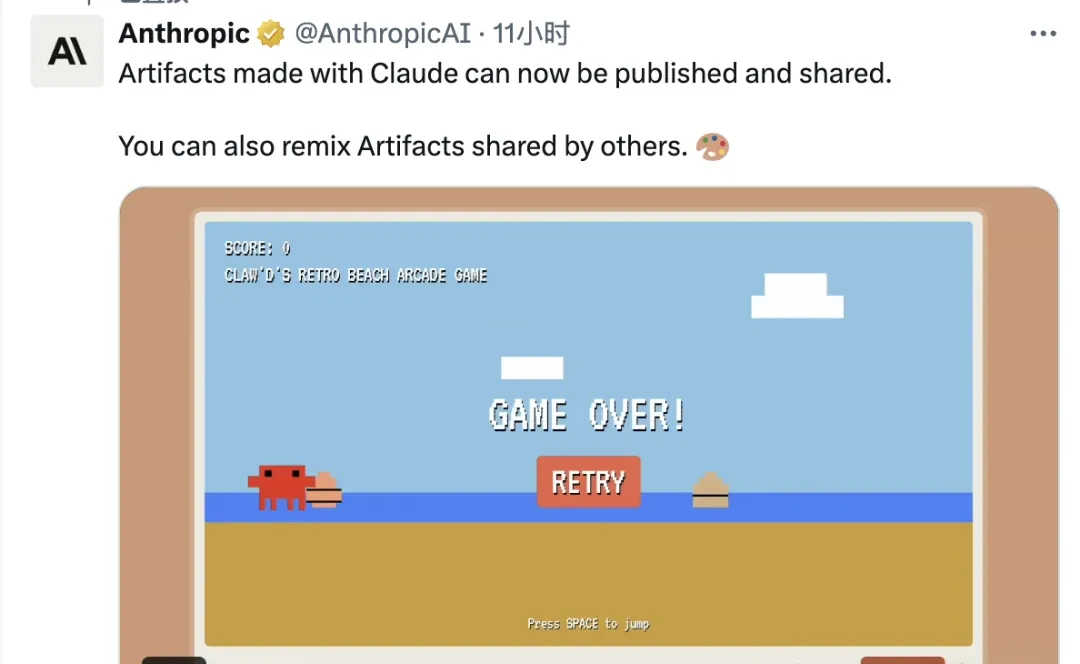
No need to set up your own server or deploy backend programs; simply click a button to automatically generate a shareable link.
I think one-click sharing is convenient until you realize the shared app has no sandboxing guarantees.
Moreover, shared applications can be imported into your own conversation with one click, allowing you quickly create and modify new versions.
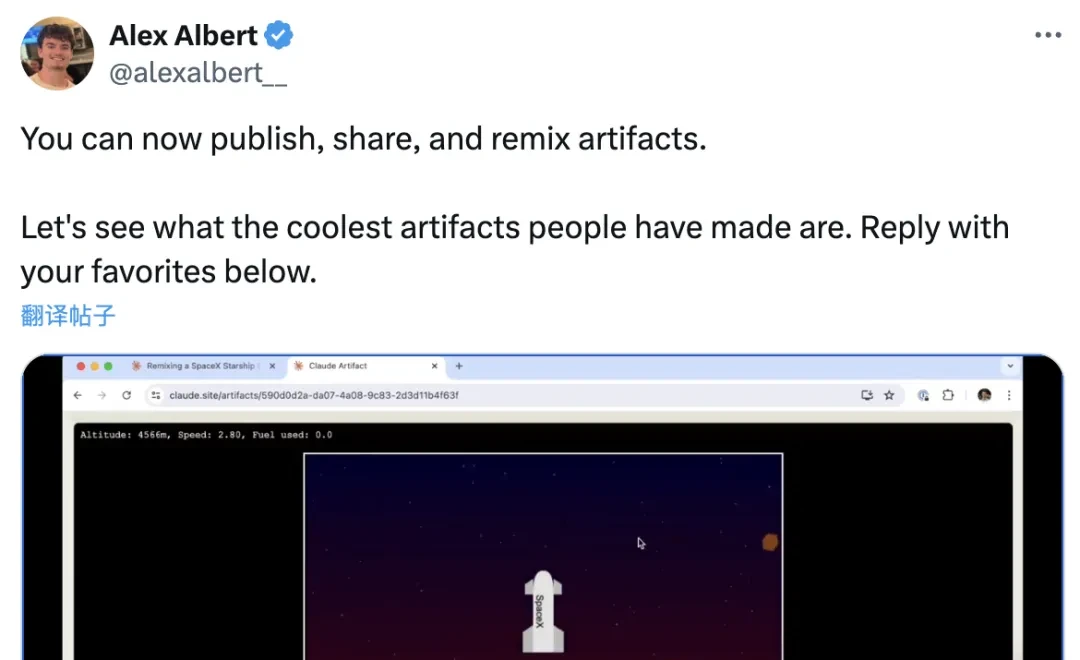
In addition to the official announcement, Alex Albert, Anthropic’s Prompt Engineer and Head of Developer Relations, also announced this news on X (formerly Twitter).
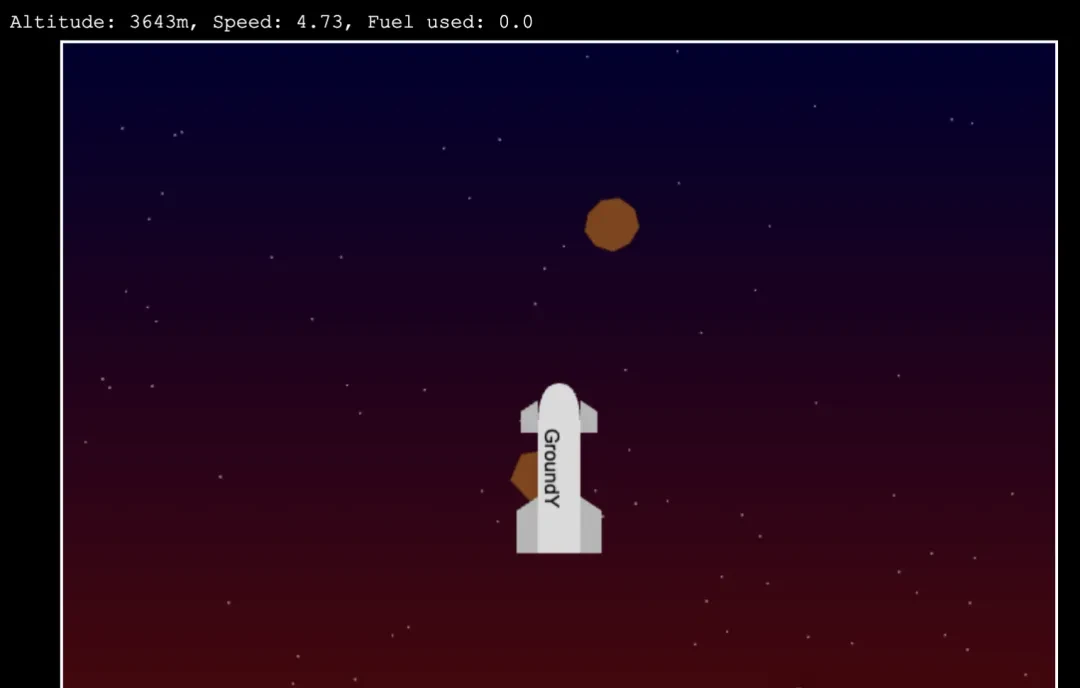
While introducing the feature, Alex demonstrated a spaceship mini-game created using Claude.
This marks another surprise for users since the major version 3.5 update and the launch of “Artifacts” mode.
In the field, a mini-game is a nice trick, but it doesn’t prove the system can handle enterprise-grade state management.
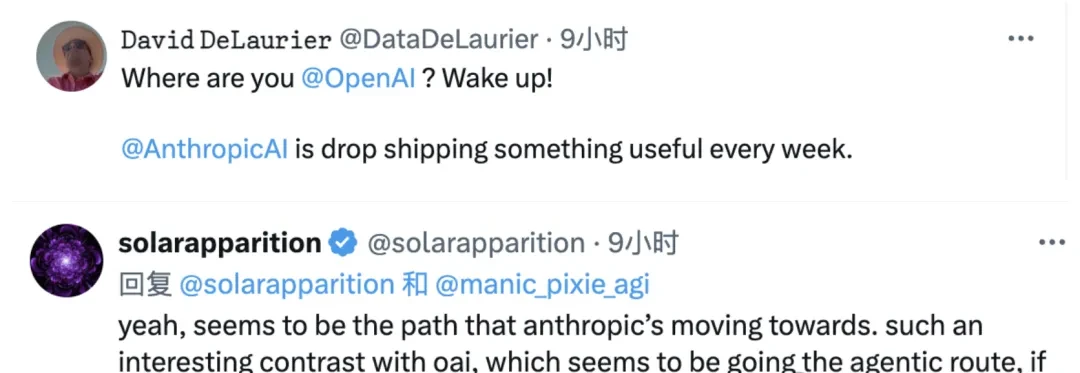
The continuous release of new features has led many netizens to call out OpenAI, asking what they are doing, as the contrast between the two companies has become increasingly stark.
However, Claude’s official platform has not yet launched a curated collection similar to GPTs Store; sharing currently relies on links.
What I watch for is link-based distribution is fragile and hard to audit compared to a vetted marketplace.
Enthusiastic users have already set up repositories on GitHub to collect works from across the web.
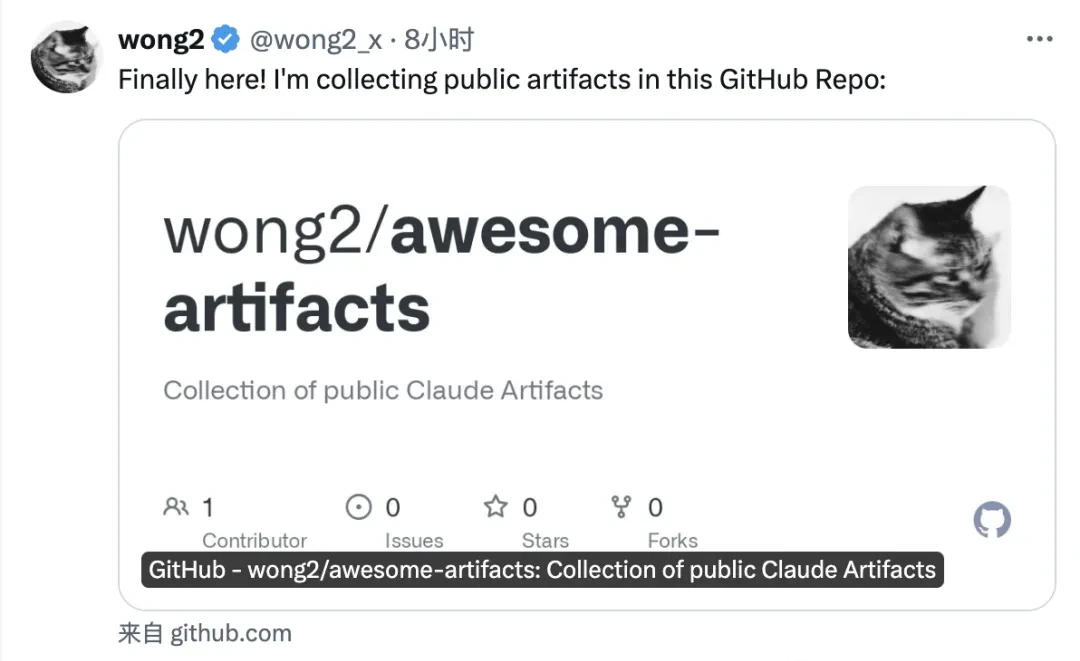
Of course, in Alex’s comment section, many users have already showcased their creations. Some even trained neural networks directly within Claude and made the code public.
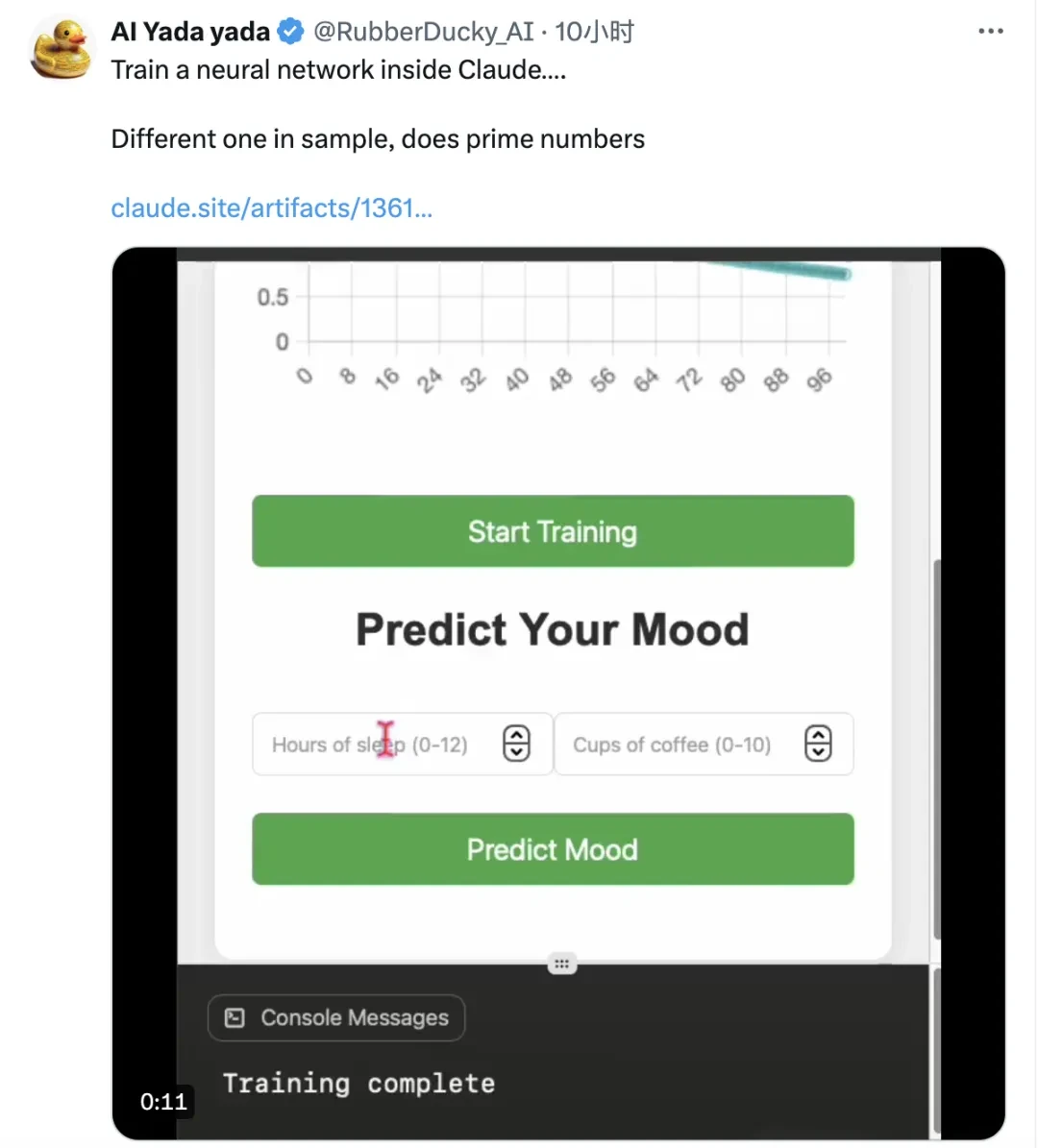
I watched the demo videos and read the release notes for Anthropic’s latest update to Artifacts mode. The headline feature is one-click sharing, turning Claude from a coding assistant into a rapid prototyping studio. But in my experience, “instant deployment” often means instant fragility when users try to run these things outside a controlled browser tab.
Game Applications: Publish Immediately After Writing
I followed the release of this new mode immediately. Upon entering Claude, you’ll see a flask icon in the chat box. Clicking it reveals that Artifacts mode is already enabled by default, though you can toggle it manually if needed.
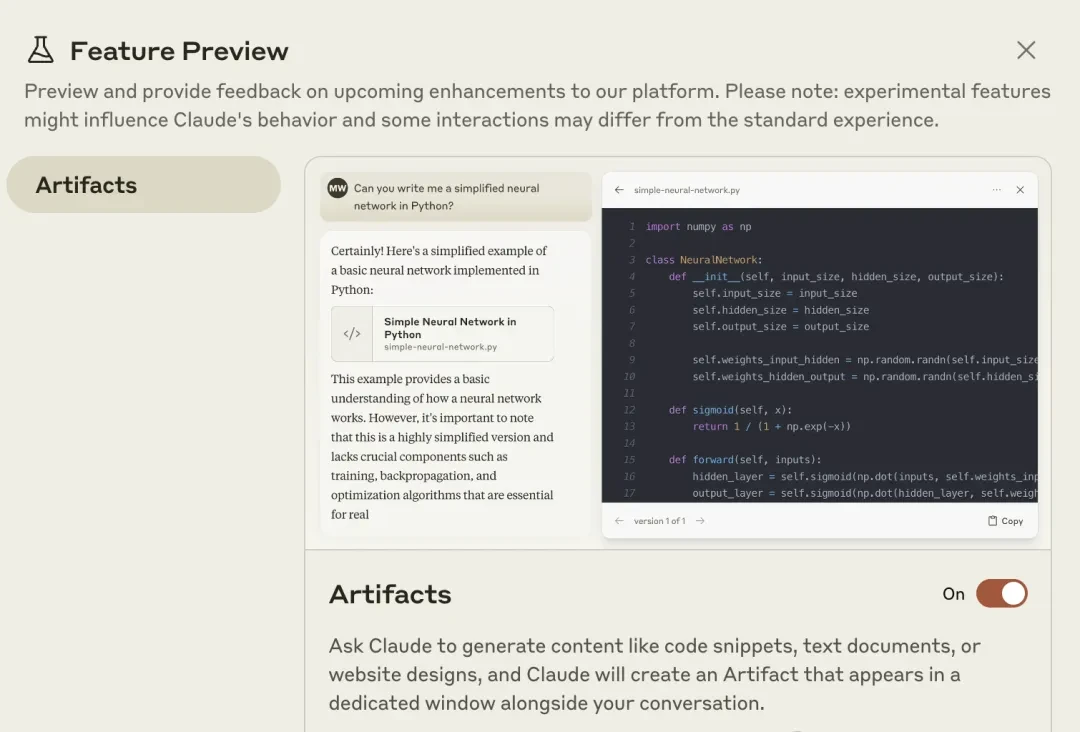
Once activated, relevant requests trigger a split-screen mode. It’s technically a floating window, but the large page size makes it feel like a split screen. The left side handles normal chat; the right side renders code and previews.
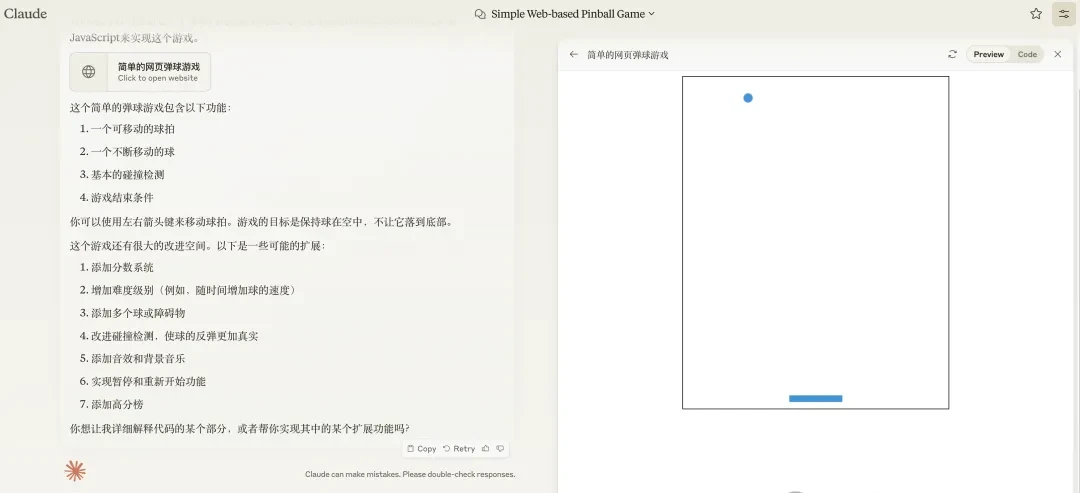
The right-hand screen scrolls rapidly during generation, then jumps to the preview interface upon completion.
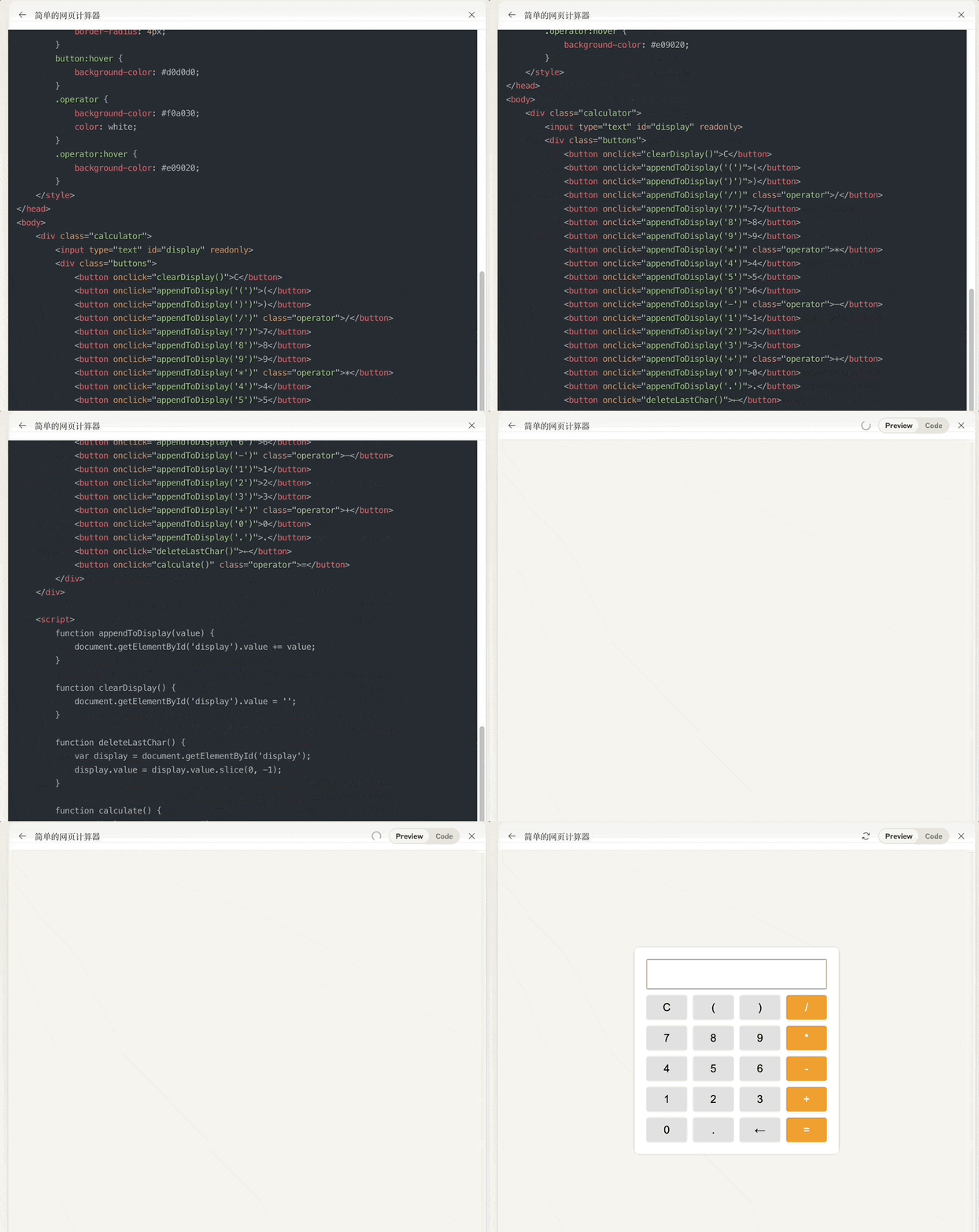
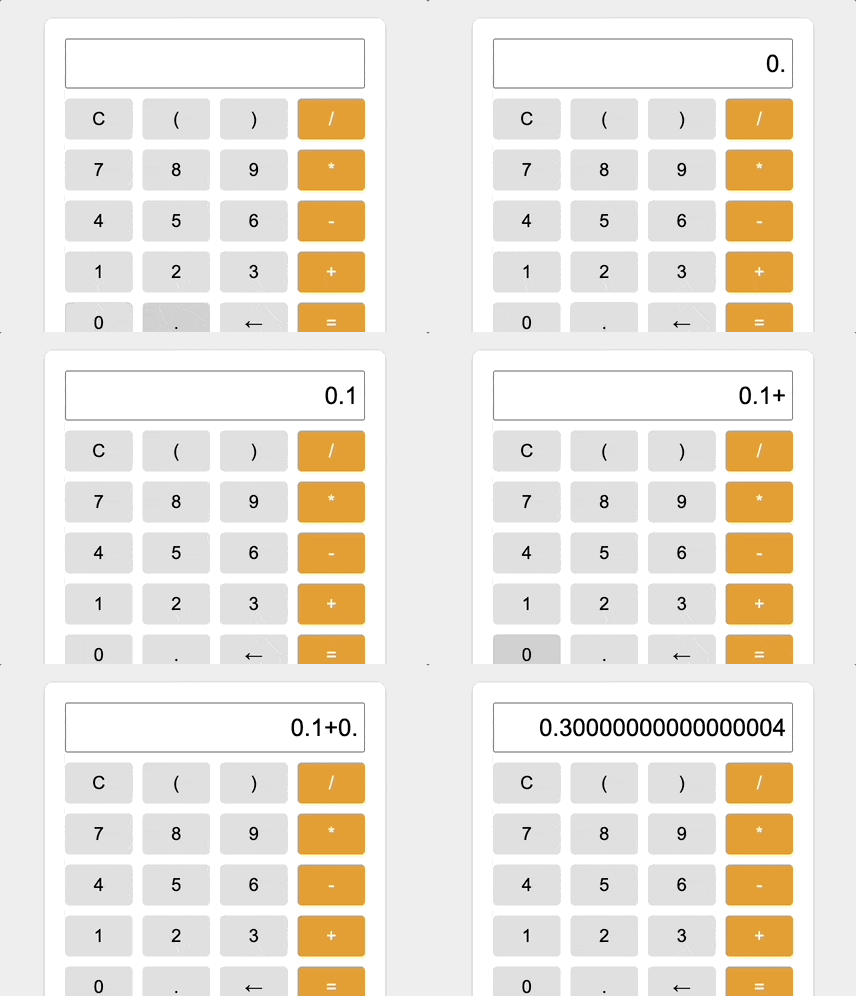
However, the simple calculator demo exposed a classic JavaScript floating-point precision bug: 0.1 + 0.2 does not equal 0.3.
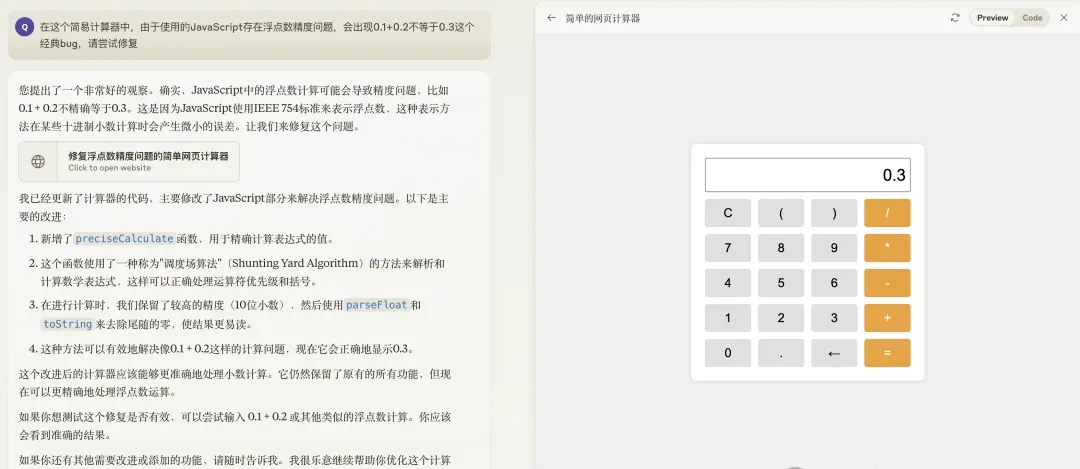
When we asked Claude to fix this, it provided a textual explanation on the left while generating new code on the right. It then automatically jumped back to the preview, showing that the bug had been successfully fixed.
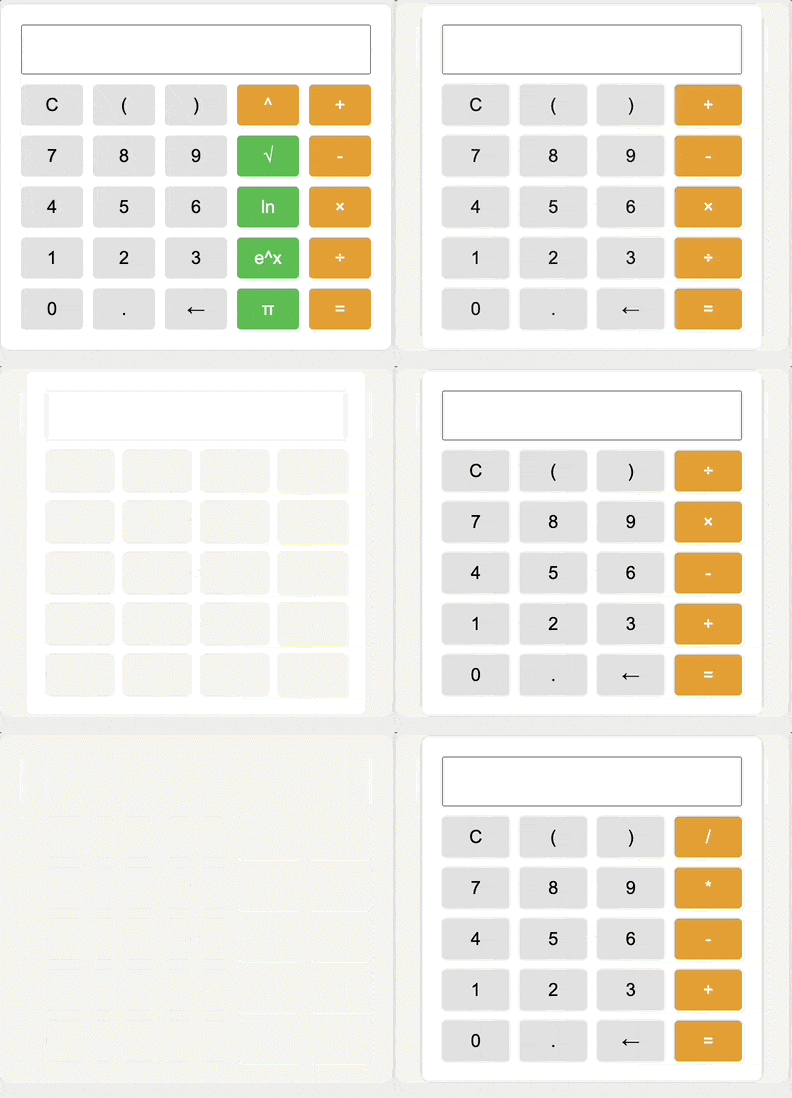
Additionally, “Artifacts mode” remembers every modified version of the program. You can click an arrow to switch between multiple versions for future reference.
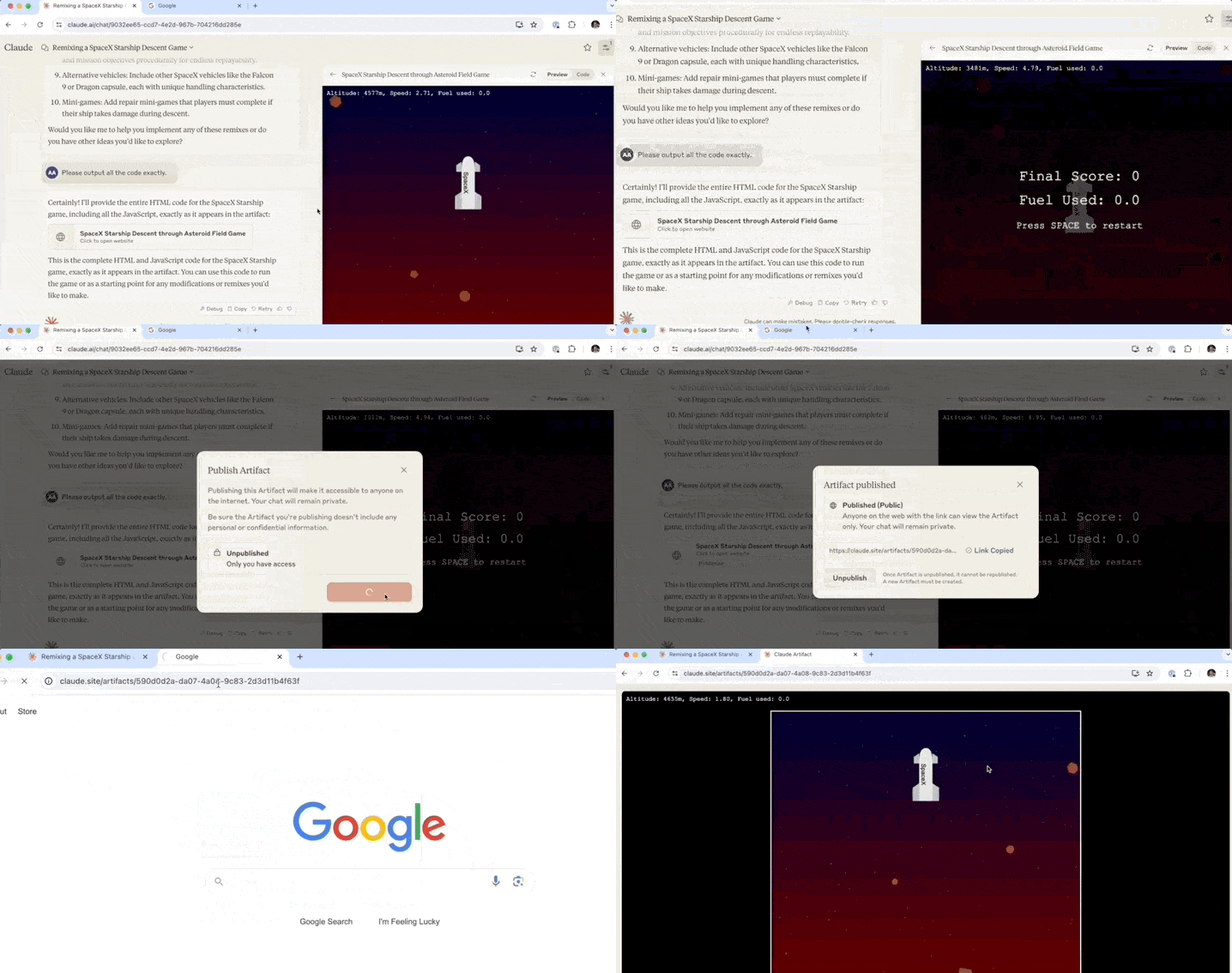
Compared to when “Artifacts mode” first launched, a Publish button has now appeared in the preview frame. This is the core of this update.
Clicking it prompts for confirmation; clicking “Publish & Copy Link” then generates a shareable link.
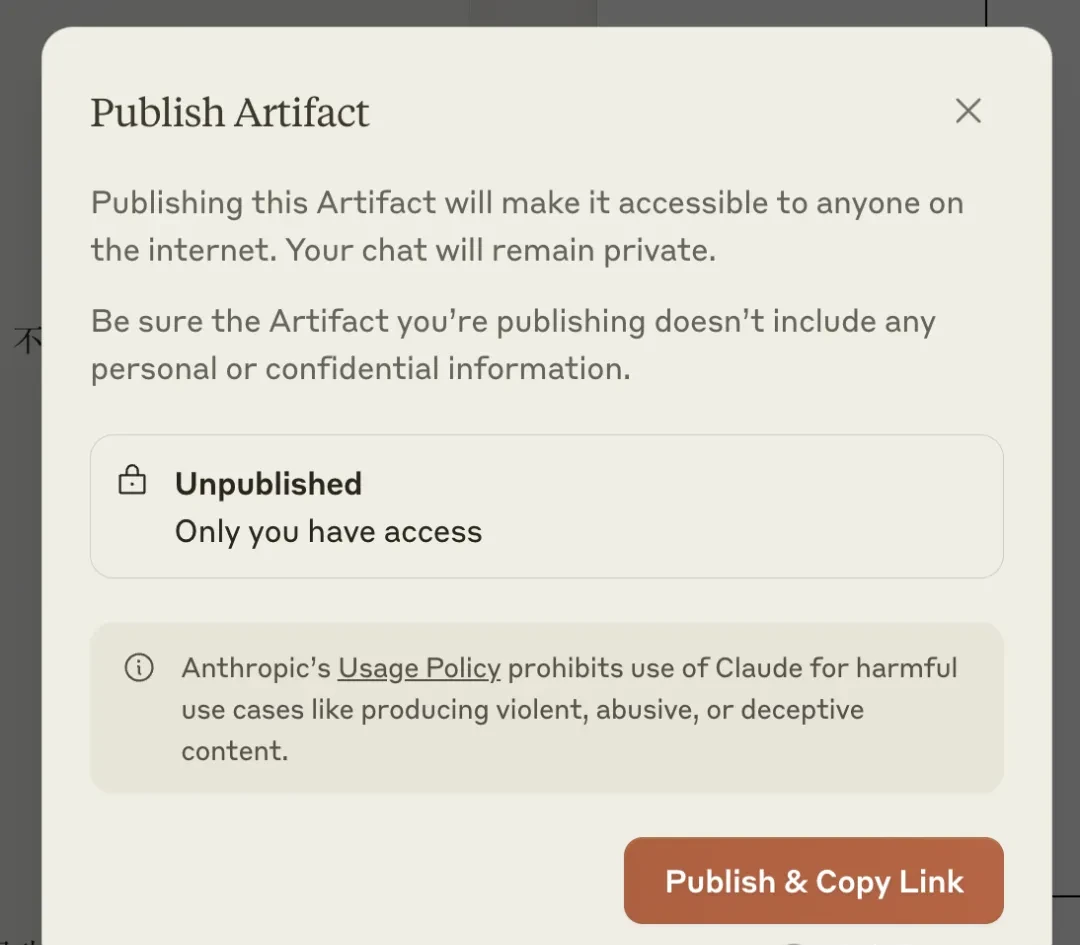
With just the link, anyone can play the shared application. No membership or even a Claude account is required. For general large language models, this greatly simplifies the deployment process. Users with ideas but limited technical skills can now design and publish their own applications directly.
I think a shareable link without authentication is convenient until someone spams it with malware.
Previously, using similar large models meant writing code and receiving textual instructions on how to deploy it, leaving some barriers in the subsequent steps. This update removes those barriers entirely.
Furthermore, applications shared by others support one-click cloning into your own Claude account, allowing for repairs or further modifications (“remixing”). The entry point for this feature is the Remix button located at the bottom right of the share page.
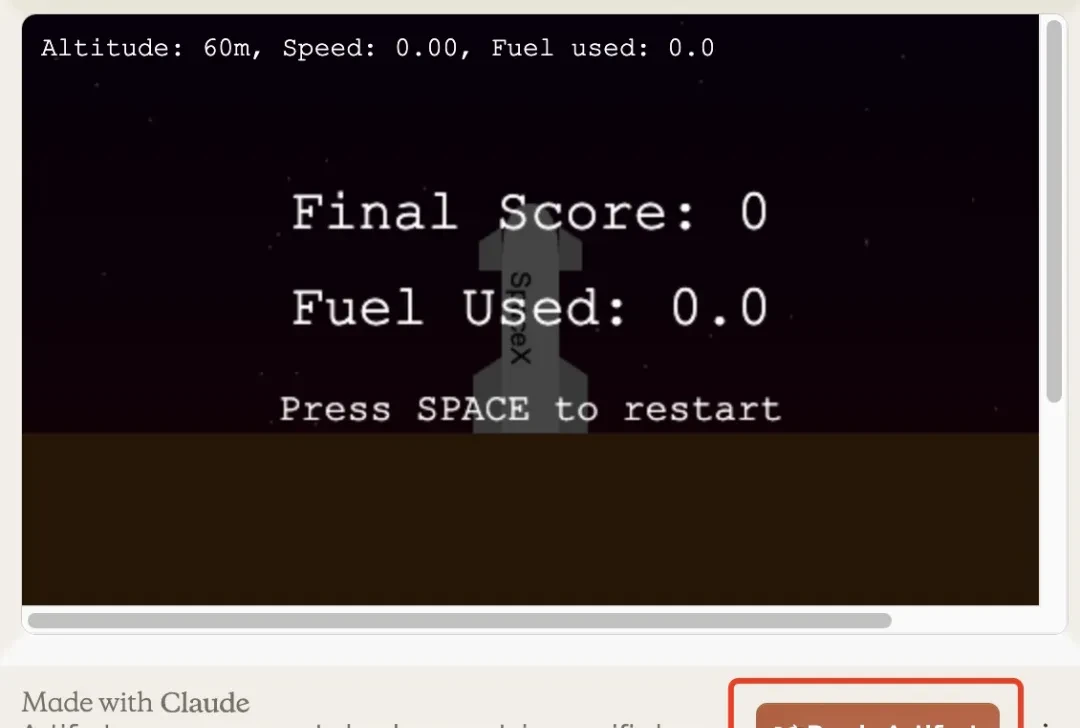
Provided you are logged in, clicking the button automatically redirects you to your own conversation window. You will see that the system has converted the application into a document and added a prompt instruction.
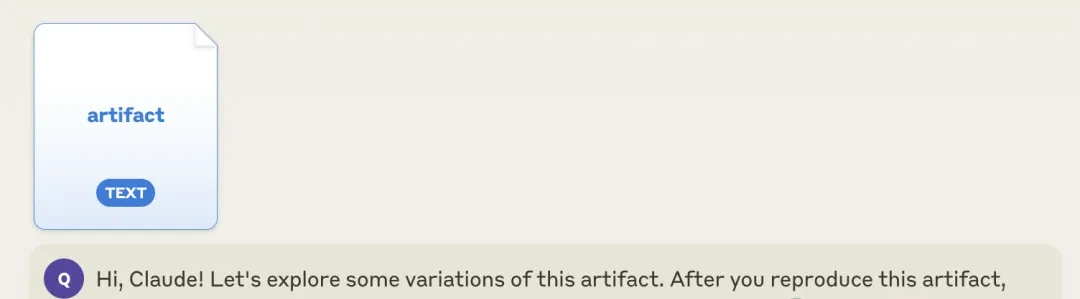
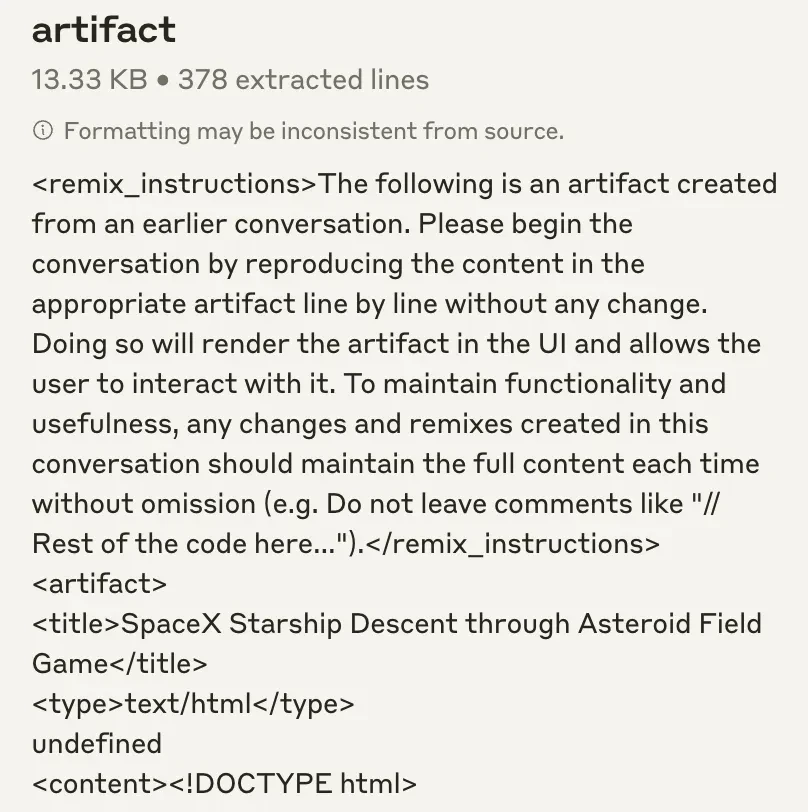
The content of this document consists of the complete HTML code preceded by instructions on how to remix it.
We tried a simple modification: changing the text on the rocket in the game. By simply stating our request as we would normally with Claude, the change was made easily.
In addition to this well-received update, Anthropic also announced another upgrade concerning Claude’s Developer Console.
In the field, sharing code snippets is convenient until someone pastes a credential into the clipboard. What I watch for is the console updates matter more than the sharing button for actual deployment workflows.
System Generates Prompts If You Don’t Know How
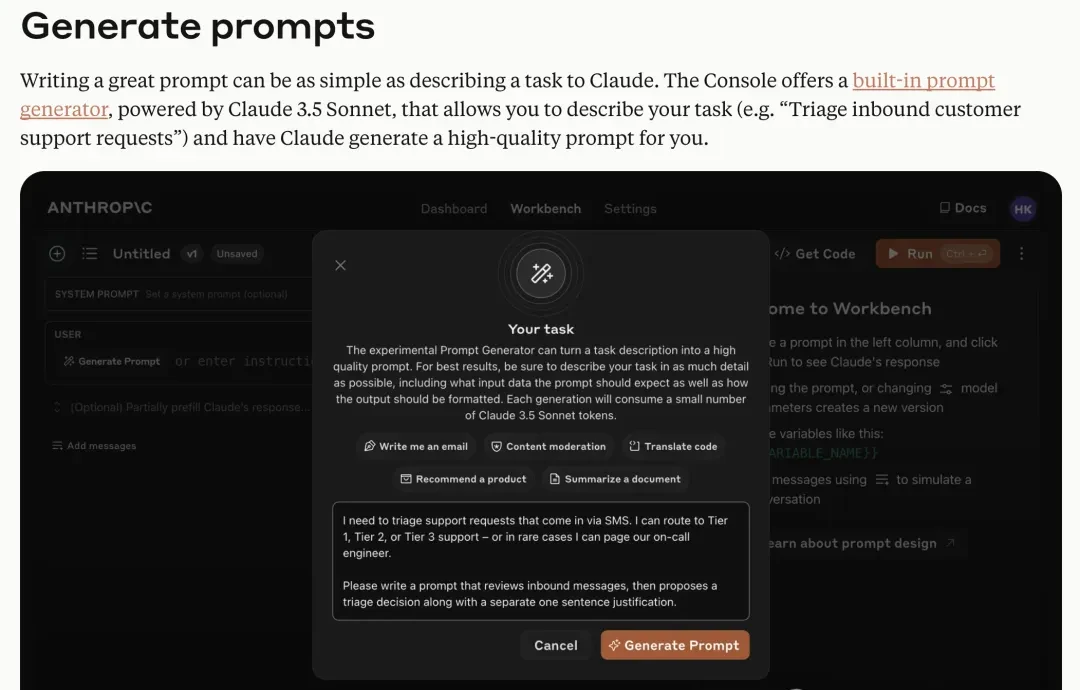
I read the release notes for the Developer Console updates, and what stood out to me is how Anthropic is trying to abstract away the friction of prompt engineering. The first major addition is prompt generation and optimization. We talk to large models in natural language, but our style often differs from the structured inputs these systems prefer. This feature aims to bridge that gap; instead of wrestling with specialized prompt engineering syntax, you describe your needs conversationally. Powered by Claude 3.5 Sonnet, it automatically generates optimized prompts based on task objectives and sends them to the model with a single click.
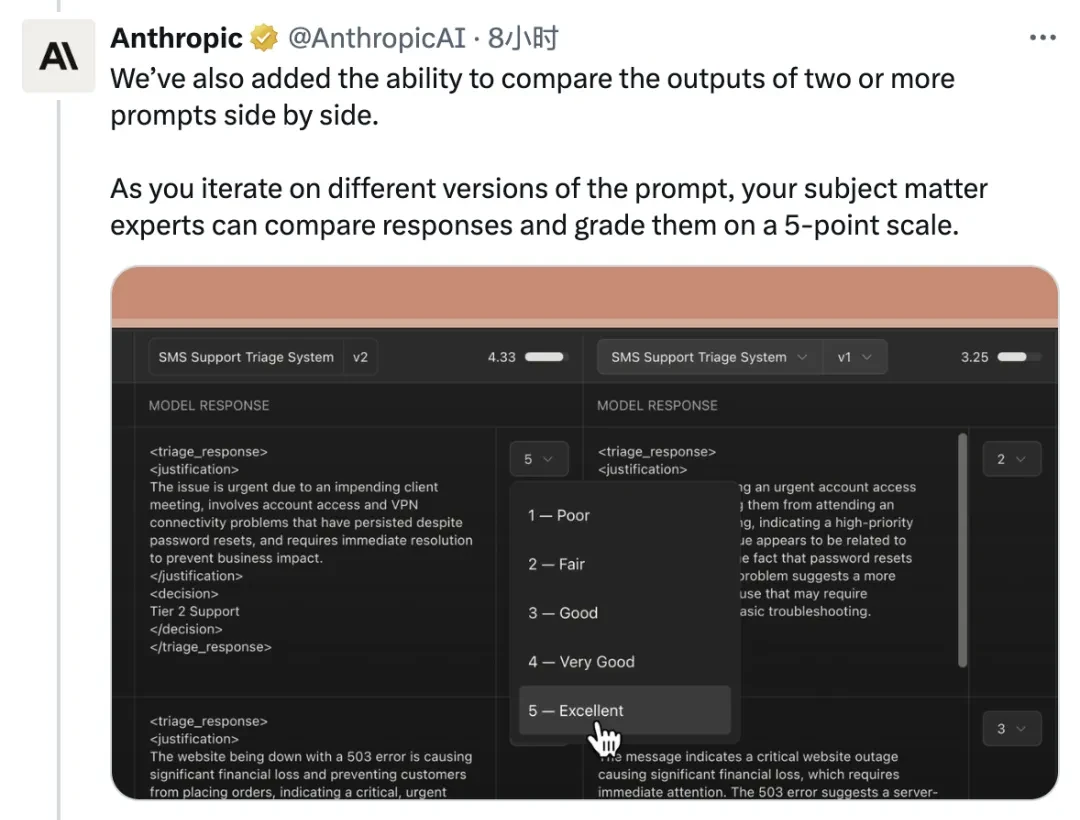
Anthropic recognizes that prompt quality dictates output reliability, so they’ve included a comparison tool for outputs from different prompts. Users can rate the system-generated suggestions based on results, creating a feedback loop intended to improve future generations.
I think lab demos love auto-generated prompts, but field engineers know context windows still break under real-world ambiguity. In the field, automated test case generation is a nice shortcut for unit tests, not integration stability.
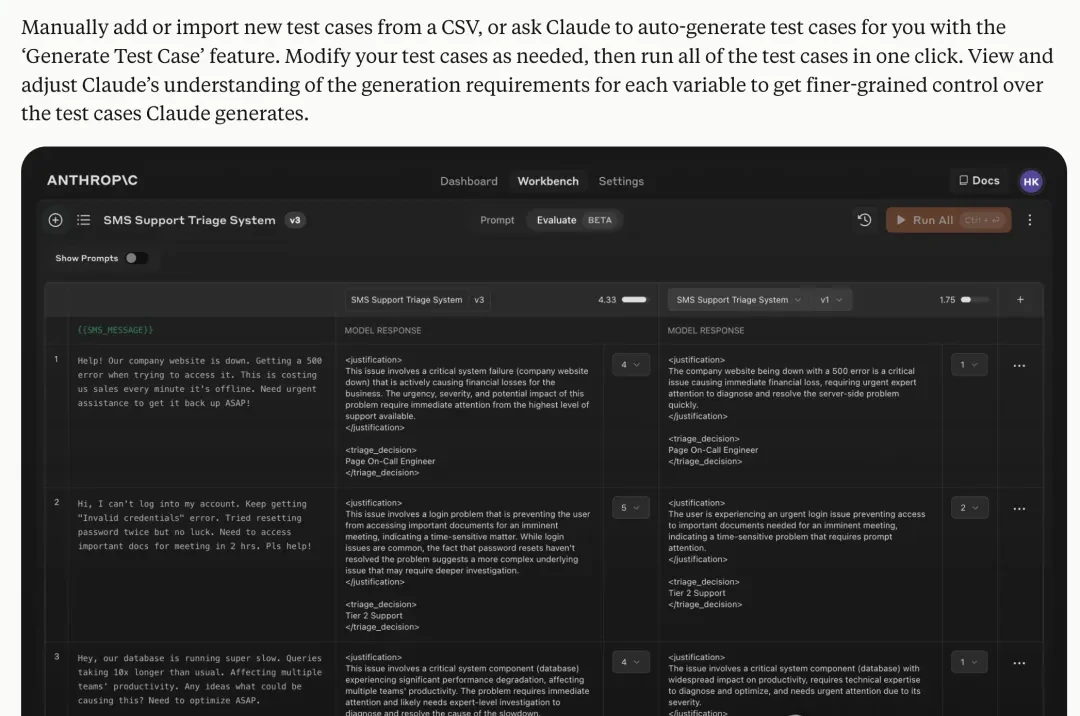
For developers, the debugging phase—specifically collecting and writing test cases—is often a massive undertaking. The new Developer Console addresses this by supporting one-click imports from CSV files and using large models to automatically generate test cases in bulk. This reduces the manual overhead of setting up robust testing environments before deployment.
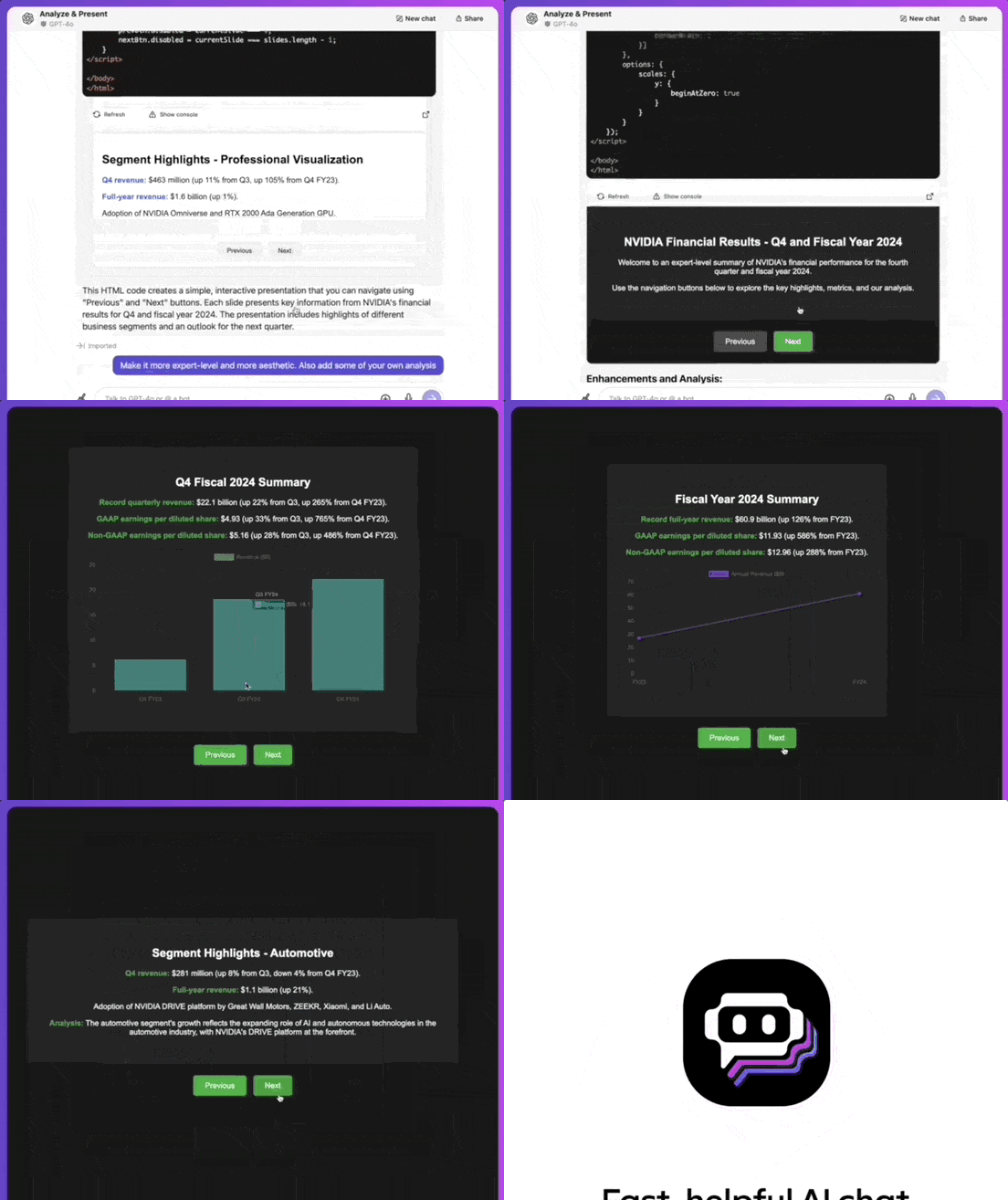
If you are impressed by these new capabilities, the filing suggests trying them out directly. However, for those without direct access to Claude, “Artifacts mode” is also available via the Poe platform. This interface supports sharing and includes models beyond Anthropic’s own, such as GPT-4o and Gemini 1.5 Pro.
(Below is a demo of this feature implemented using GPT-4o on Poe.)
I read through the latest update from Anthropic regarding Claude’s coding capabilities, specifically the new one-click sharing feature. While the marketing materials highlight how early users are showcasing their creations, I’m more interested in what this means for actual deployment workflows rather than just social media clout. The ability to share prompts and outputs easily is a step toward better collaboration, but it also raises questions about intellectual property and code security that aren’t being addressed in the press release.
What I watch for is sharing code snippets doesn’t fix broken architecture. I think one-click sharing is easy; one-click debugging isn’t. I want to see error logs, not just success stories.
References
I reviewed the source material for this update, and here are the relevant links:
- Evaluate prompts in the developer console | Claude — Generate, test, and evaluate prompts directly in the Anthropic Console with automatic test case generation and side-by-side output comparison. When building AI-powered applications, prompt quality significantly impacts r
Comments
Sign in to join the discussion and leave a comment.
Sign in with Google